Introducing IAM Permissions: Access that fits your org
Manage access to cloud cost data with IAM Permissions in North. Control visibility by account and feature, and share cost insights without overexposing data.
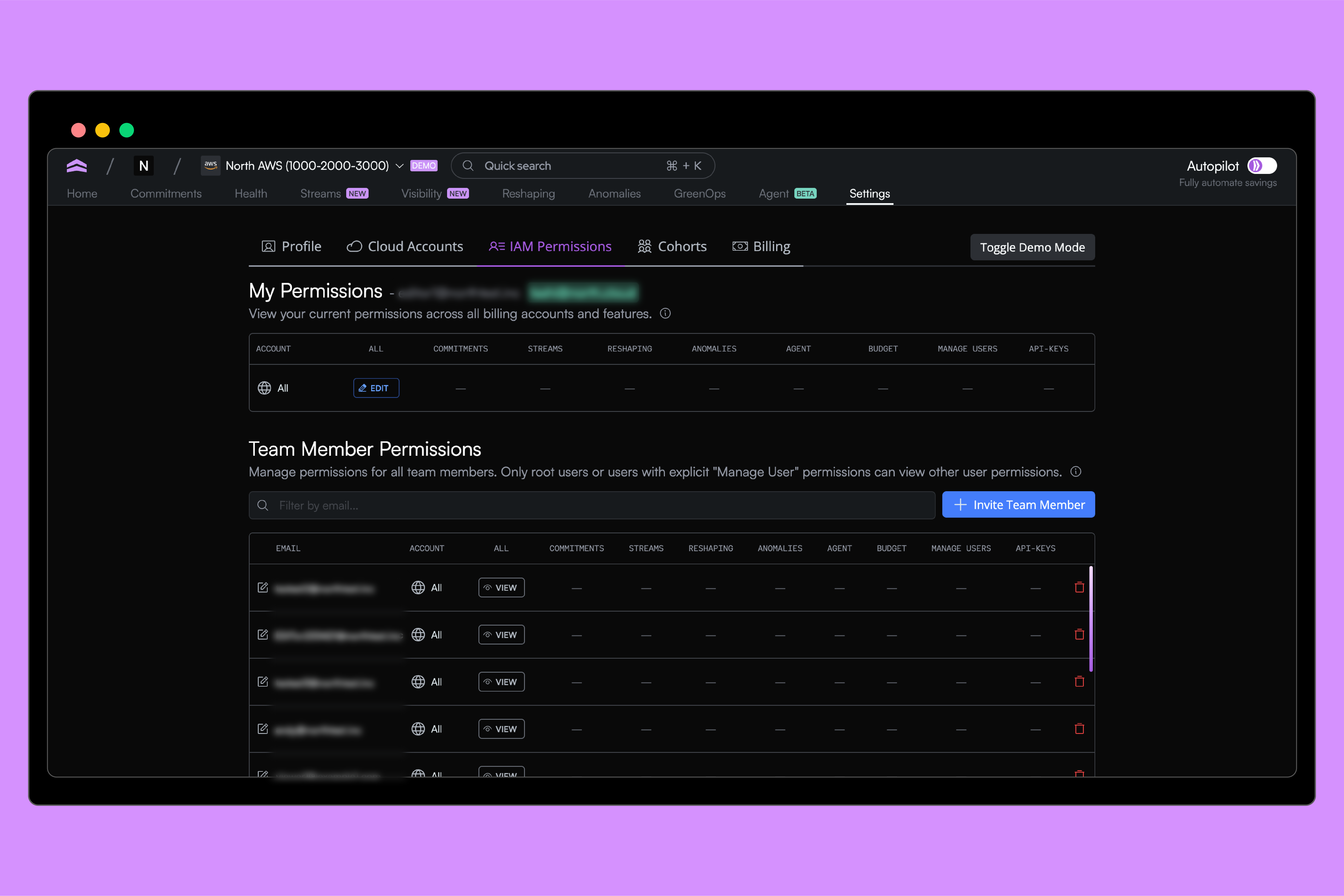
As teams grow, so does the number of people who need access to cloud cost data. Engineers, finance teams, platform leads, and operators all need visibility, but not always to the same things.
Today, we’re introducing Identity and Access Management (IAM) Permissions in North, a new way to control who can see and manage cloud cost data, down to the account and feature level.
Why we built IAM Permissions
Cloud cost data is powerful, but it’s also sensitive. Traditionally, only a small set of privileged users have access to billing information in AWS or GCP. That creates a tradeoff: either keep access tightly locked down, or spend time fielding questions and pulling reports for everyone else.
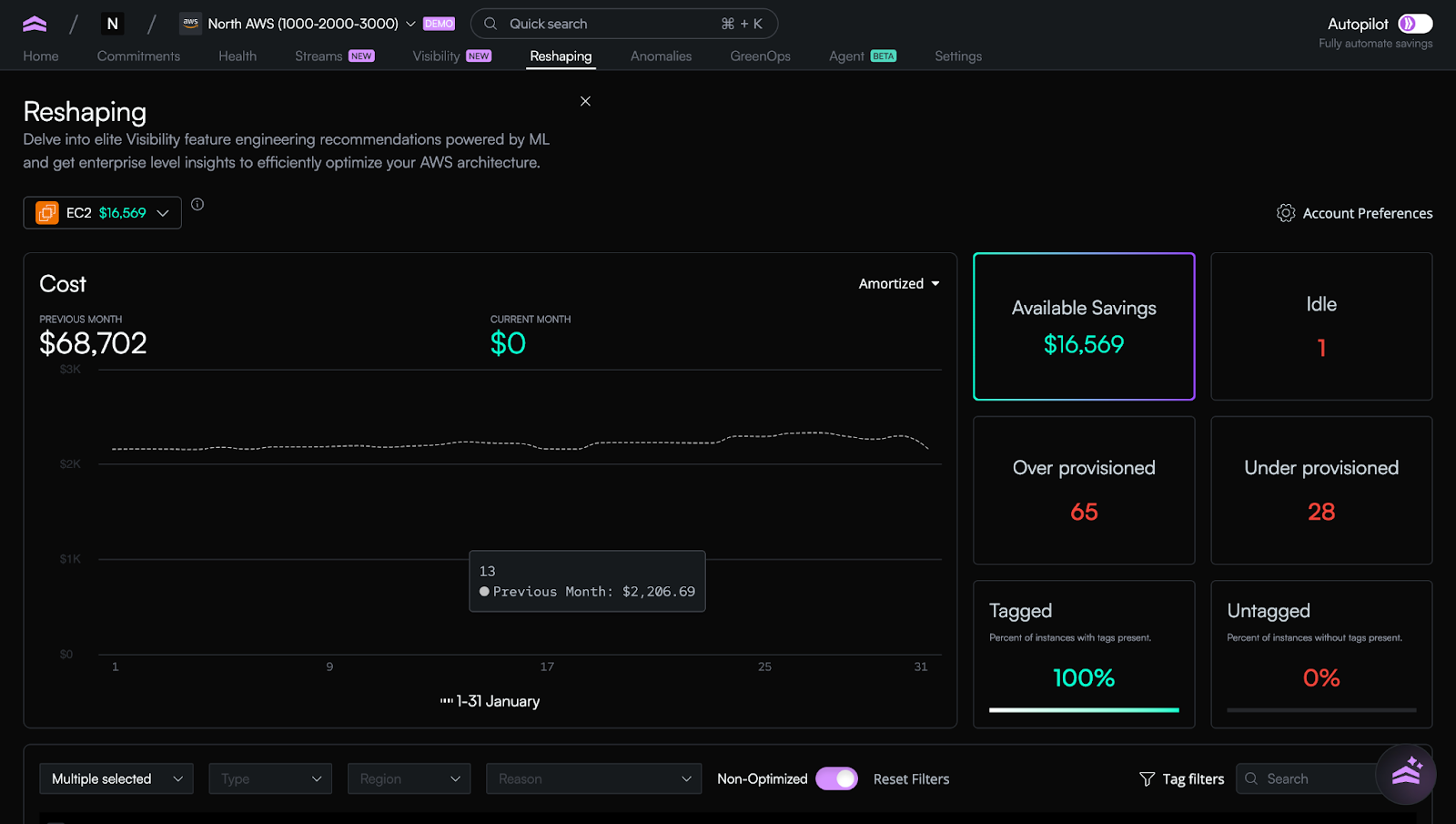
North already makes cloud cost data easier to understand and share across teams. As more customers scale usage across larger organizations, they’ve asked for a way to share access intentionally, not all-or-nothing.
IAM Permissions exist to solve that problem.
A clearer model for access
This Role-Based Access Control (RBAC) introduces a simple, explicit model for access in North.
.gif)
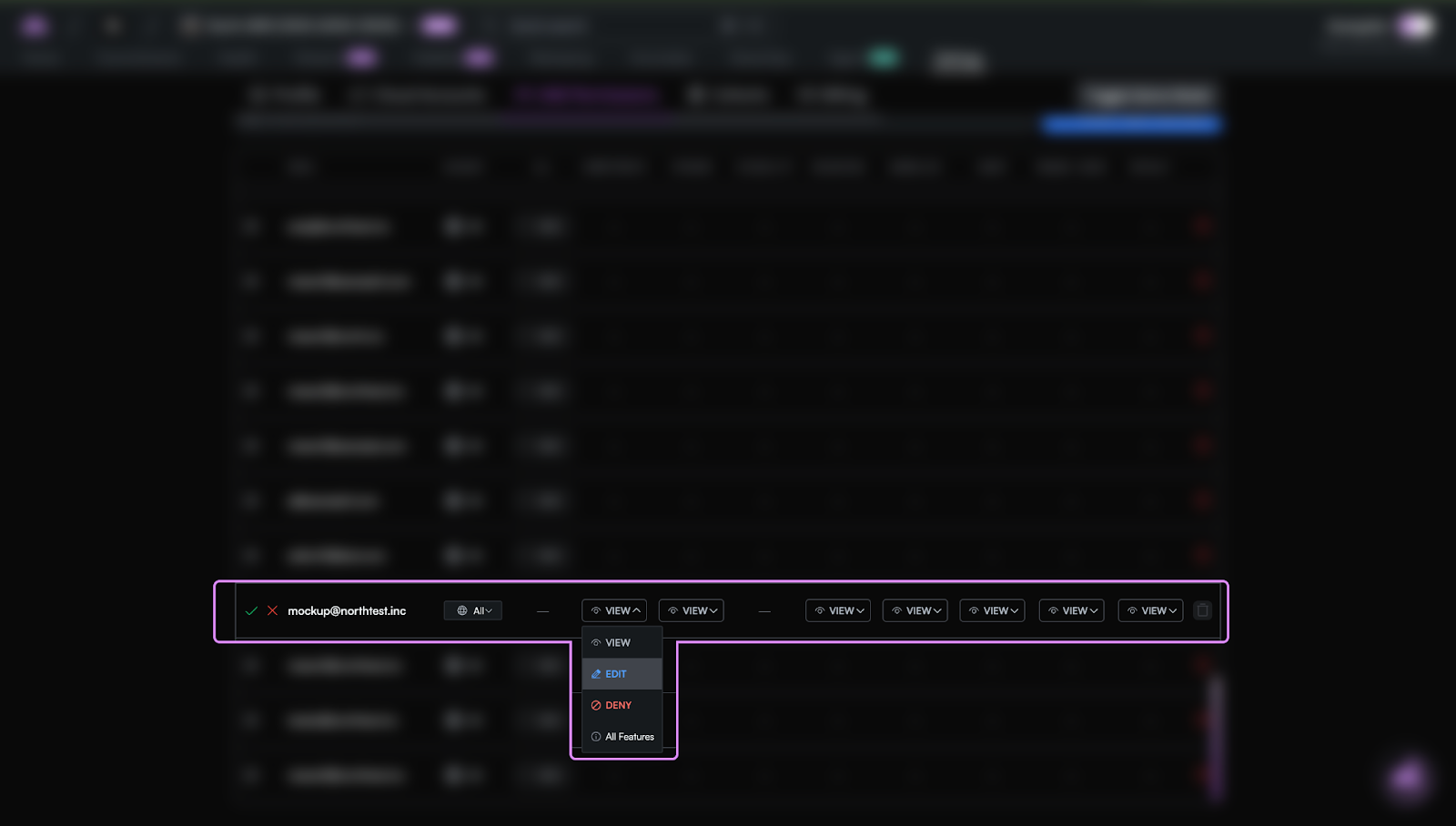
Users can now be granted permissions based on:
- Accounts, at the cloud provider level (AWS or GCP) or for individual accounts
- Features, like Coststreams, Reshaping, or Anomaly Detection
- Permission level, including view, edit, or no access
This makes it possible to give a finance teammate access to Coststreams without exposing every account, or allow an engineer to work only within the cloud environments they own.
Agent North respects access boundaries
Agent North is North’s AI assistant that helps teams explore and understand cloud cost data using natural language.
When you give a user access to Agent North, the assistant only works with the data that user is allowed to see. Agent North follows the same IAM Permissions you’ve defined across accounts and features and cannot surface information outside those boundaries.
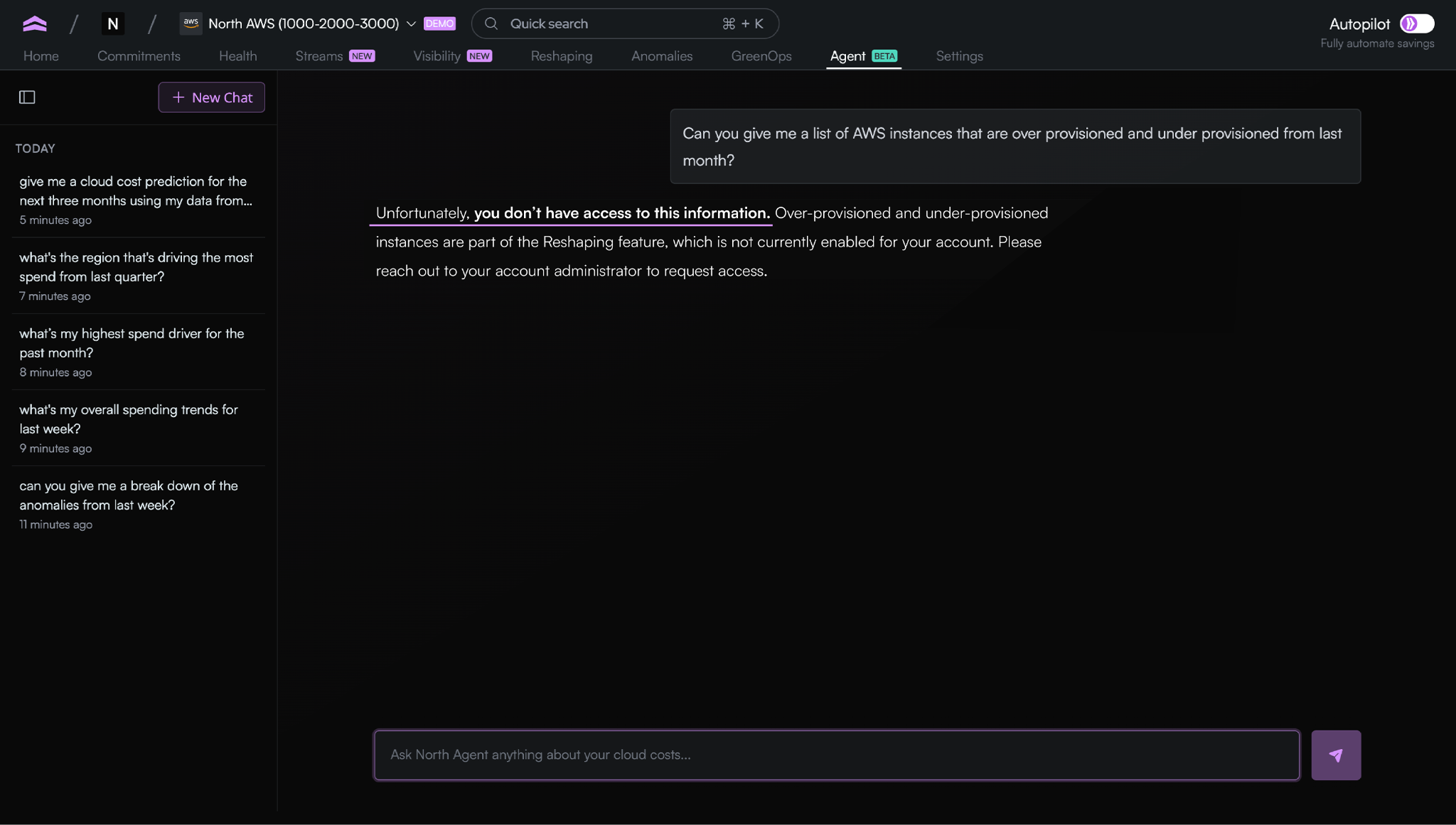
This makes it safe to enable Agent North for different teams while keeping access controlled. As permissions change, Agent North automatically stays in sync.
Transparency for every user
Every user now has access to a My Permissions view, where they can see exactly which accounts and features they have access to. There’s no guessing, no hidden rules, and no confusion about what’s available to them.
Built for how teams actually work
IAM Permissions are built for the way real companies operate.
Some teams manage multiple cloud providers and want AWS and GCP access separated. Others have multiple business units or subsidiaries and need strict boundaries between accounts. Many want to safely share cost data with finance or leadership, without exposing operational details meant only for engineering teams.
With IAM Permissions, access can reflect those realities, instead of forcing everyone into the same role.
For scale, without friction
Only designated admins can manage permissions, keeping governance centralized and secure. At the same time, once access is granted, teams can explore data on their own without waiting on a single “owner” to pull reports or answer questions.
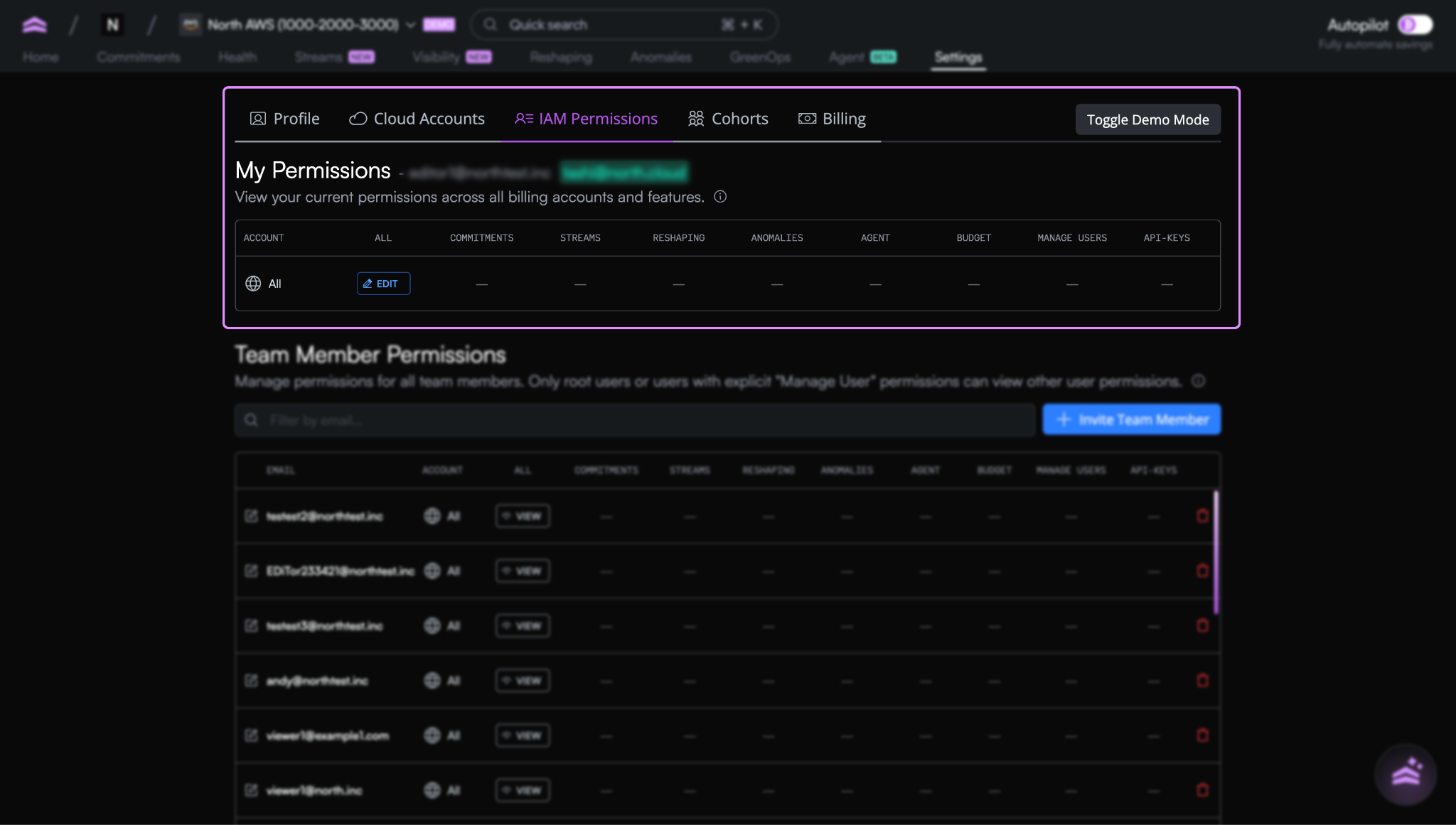
The result is faster decisions, fewer bottlenecks, and more confident sharing of cloud cost data across the organization.
Get started with IAM Permissions
IAM Permissions are available now in North.
To get started, head to Settings in app.north.cloud, invite team members, and assign access based on the accounts and features they need. You can update permissions at any time as roles change or teams grow.
For step-by-step guidance, visit our documentation to learn how to configure IAM Permissions and manage access across your organization. If you need help along the way, drop a message in your shared Slack channel with the North team and we will walk you through it.
This is another step toward making cloud cost data more accessible without sacrificing control, and we’re excited to see how teams use it.

Related article
Book a demo
Get started in as little as 5 minutes with no long-term contracts or lock-ins. Pay month-to-month and stay flexible.


Make your cloud work smarter today
Get started in as little as 5 minutes with no long-term contracts or lock-ins. Pay month-to-month and stay flexible.


